Interfaces that make business logic feel effortless

We don’t just make apps look good, we design interfaces that make complex operations simple, intuitive, and fast for real users.
Share Your Concept
  • 80+
    In-house
    Experts
  • 5+
    Team’s Average
    Years of Experience
  • 93%
    Employee
    Retention Rate
  • 100%
    Project Completion
    Ratio
Our process

How we design with purpose (Not just pixels)

Business-first UX mapping

We start by understanding why each user type is using the app. What’s their end goal? What slows them down? We build flows that reduce mental load.

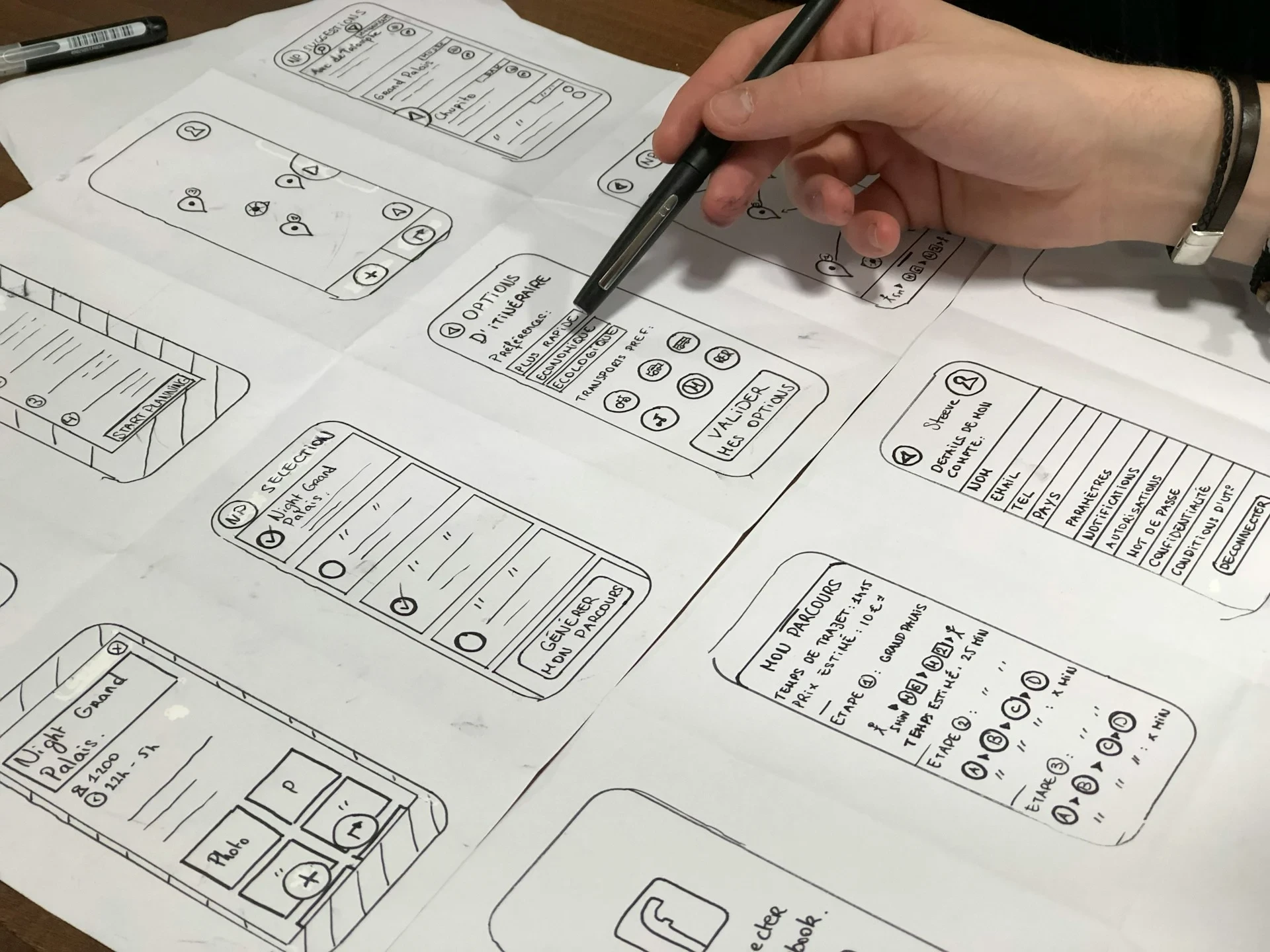
Interactive wireframes & storyboards

Clickable wireframes help you visualize how it all connects. We avoid flat mockups and bring interactions to life early, so everyone’s aligned before development.

Consistent design systems

We build custom design systems within OutSystems, including reusable components, spacing grids, and accessibility standards, to ensure every screen feels part of a whole.

Responsive & device-agnostic layouts

Every layout adapts natively to desktop, tablet, or mobile, even under edge cases like long names, offline mode, or dynamic data refreshes.

Real-user feedback loops

We run A/B-style sessions with internal teams or end users to test ease-of-use, screen speed, and logic comprehension, before finalizing.
Tech talk

Developer tips & insights

UI/UX for OutSystems development

Designing engaging and intuitive low-code applications

Our UI/UX services for OutSystems Development focus on creating user-friendly, visually appealing, and highly functional applications. By combining design thinking, user research, and OutSystems low-code capabilities, we ensure your apps deliver a seamless user experience across web and mobile platforms. From wireframes and prototypes to final designs, we optimize usability, accessibility, and overall engagement, ensuring your applications delight users and achieve business goals.

OutSystems UI is a comprehensive design system with drag-and-drop patterns, layouts, and components built for reactive web and mobile apps, replacing older frameworks like Silk UI. It accelerates development by providing pre-built, customizable elements like forms, lists, and modals that ensure pixel-perfect responsiveness across devices without starting from scratch—teams prototype screens in hours, not days, while reusing logic between web and mobile for consistent UX. In 2027, ongoing updates like enhanced JavaScript APIs and PWA support keep it future-proof for high-performance, multi-channel enterprise apps.
Start by duplicating existing layouts or themes in your Common UI flow, then tweak static elements, placeholders, and styles via the dedicated Theme Editor for colors, fonts, and spacing. For widgets, use extended classes and input parameters to adapt patterns without breaking reusability, ensuring brand consistency across apps. This approach delivers polished, scalable UX by centralizing changes—update once in the theme, and it propagates everywhere—ideal for enterprise where compliance and speed matter.
Design patterns as agnostic blocks with input parameters for data, ExtendedClass for styling overrides, and minimal fixed widths to adapt to any context. Place them in shared modules for cross-app reuse, test across breakpoints early, and leverage the JavaScript API for dynamic behaviors like animations. This keeps apps maintainable, scalable, and visually uniform, cutting development time by 50-70% on repetitive screens while easing future updates.
Don't over-rely on custom native plugins early, stick to PWA for faster iteration and offline support unless device hardware is essential, as Cordova can bloat performance. Avoid complex nested views or unoptimized aggregates that slow responsiveness; always preview on real devices for gesture issues like bottom sheets on tablets. Prioritize progressive enhancement: build web-first, add native polish later, to prevent rework and ensure smooth, native-like feel without sacrificing speed.
OutSystems UI embeds WCAG 2.1 basics like semantic structures, keyboard navigation, and high-contrast options via built-in patterns and Service Studio's accessibility mode, which auto-applies ARIA labels. Dark mode comes through custom Forge components or CSS variables in themes—toggle via client actions for user preference, maintaining 4.5:1 ratios with off-black backgrounds and accents. Enable project-wide for compliance, but audit with tools like WAVE to catch gaps, ensuring inclusive UX without manual overhauls.
Leverage OutSystems UI's grid/flex layouts, utility classes, and pattern variations for precise spacing and breakpoints—combine with screen templates and smart vertical spacing for fluid adaptation. Use Figma plugins or the live Style Guide for pixel matching, set max-widths on containers, and rely on rem-based scaling over fixed px. This method aligns designs perfectly across devices via platform tools alone, avoiding hacks that break updates and ensuring enterprise polish with minimal effort.

Interfaces that make business logic feel effortless

Craft reusable design systems, device-agnostic layouts, and feedback-driven workflows, so every app looks good, works fast, and just makes sense.